

How To Create and Edit Playlists on Aimlabs

So, you’ve been aim training for a while now and you’re looking to put together your own training or warm-up playlist. You want to decide curate the tasks, the order they’re in, and the amount of repetitions. This is great, as this approach keeps practice intentional instead of random or unfocused. On Aimlabs on PC, it’s actually really easy to create or customize playlists!
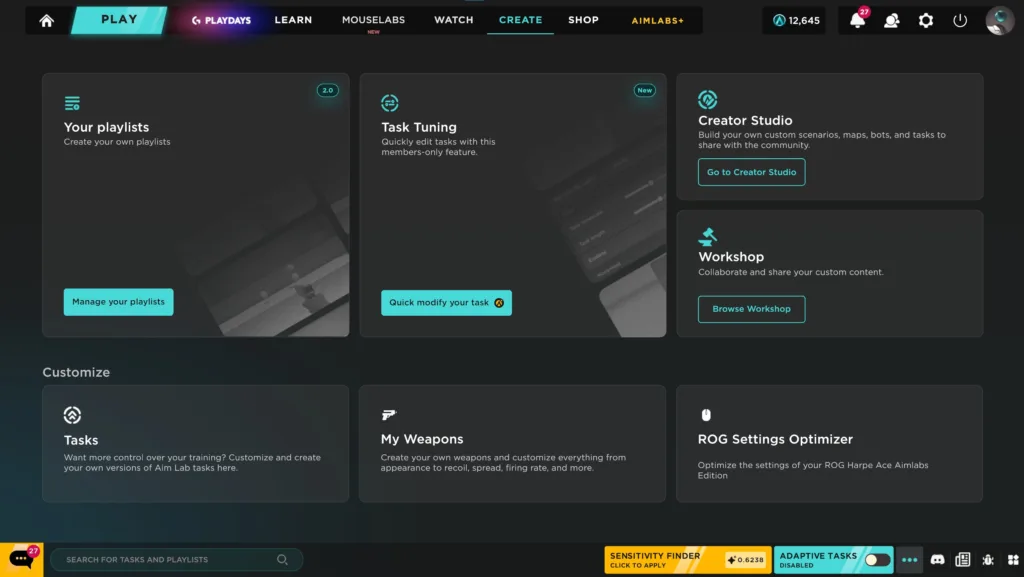
Start by heading to the Create tab on the top navigation bar. Select Manage Your Playlists. From here, you can either edit existing playlists, such as your own playlists or remixing someone else’s, or choose the New Playlist button to create a brand new one. From there, search the task library and add tasks based on your goals. Order tasks to match how you want to warm up, peak, and cool down during a session.
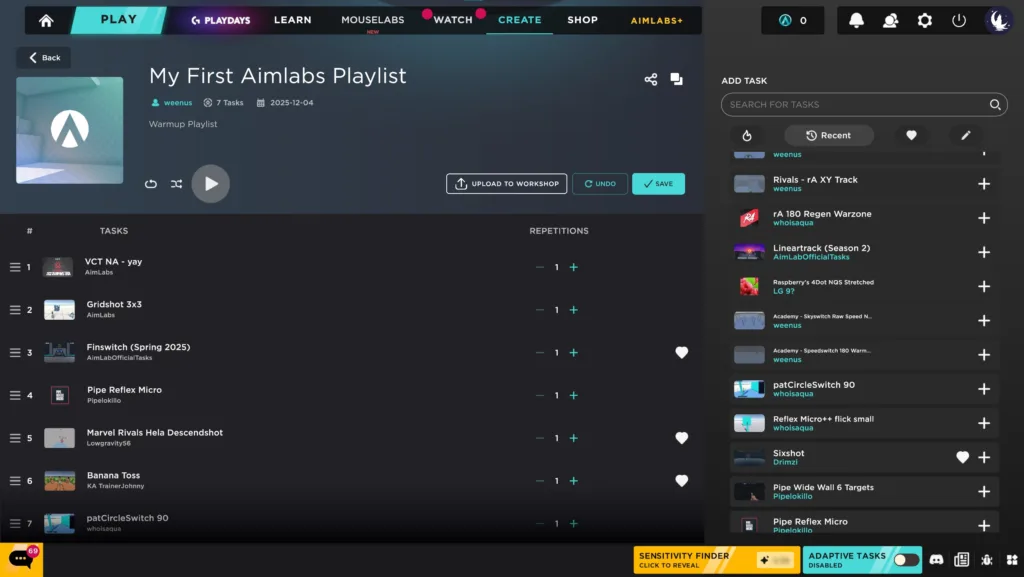
Each playlist allows full control over repetitions. Set more repetitions on tasks that you are working to drill or if you’re focusing on that aiming subset, and then you can run less repetitions on secondary skills or cool down tasks. This control helps manage fatigue and keeps quality high across a session. Shorter focused playlists can often outperform long unfocused sessions for consistency and retention.
If you’re looking to create a playlist that others will play, branding matters more than most players expect. Add a clear title and description so other players can understand the goals and purpose of the playlist. Upload a custom thumbnail to make the playlist easy to spot on the Training tab. If you want the Playlist to get some plays, you’ll want it to stand out! Finally, remember to upload the playlist to the Steam Workshop as that will be required for it to be searchable for other players.
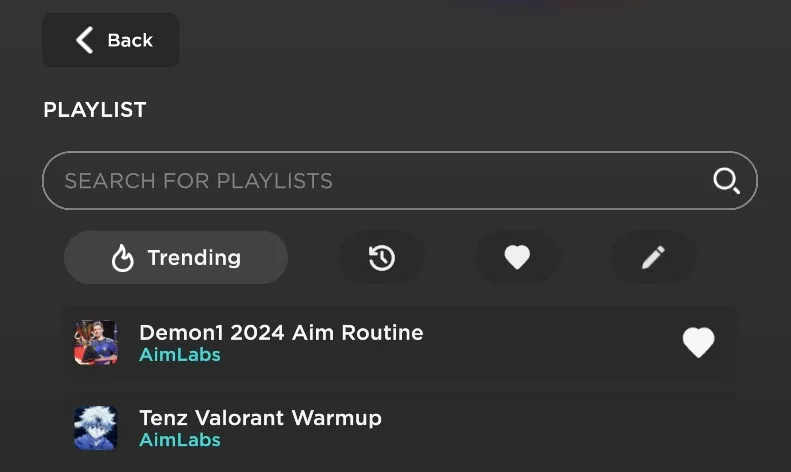
If you’re looking to edit your existing playlist, return to the Create tab anytime to adjust task order, repetitions, or descriptions. If you’re not seeing your playlist initially, don’t worry. The playlists are broken down into four separate categories on that left bar, Trending, Recent, Favorites, and Created By Me. Make sure to select the correct filter on the Playlists search section on the left margin to find the playlist you’re looking for.
You will likely want to make edits over time, as training needs shift as your skill improves. A flexible playlist keeps practice aligned with current performance instead of outdated habits. Build, review, adjust, then repeat, but keep your training focused and intentional and you will see results!